Best Xbox Series X|S Storage Expansion Options in the UK

Pixalrig may earn a commission from qualifying purchases made through affiliate links, at no extra cost to you.
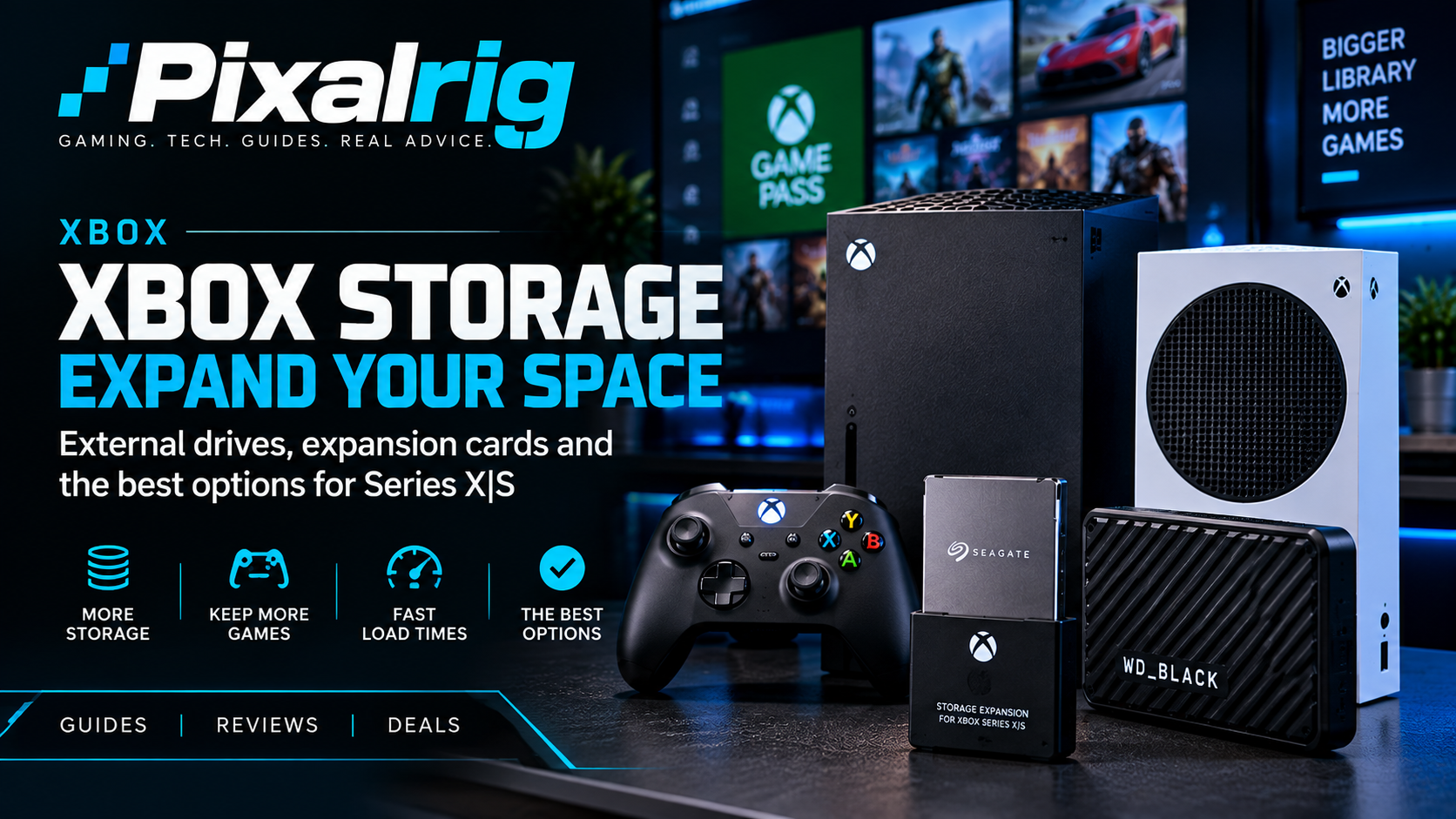
For Xbox Series X|S games that rely on the console’s Velocity Architecture, a licensed Storage Expansion Card is the simplest way to add playable high-speed space. The main choices are WD_BLACK C50 and Seagate expansion cards. A normal USB SSD or hard drive can still be useful and cheaper per terabyte, but it cannot replace an expansion card for every Series X|S-optimised game.
Xbox storage options at a glance
| Storage type | Runs optimised Series X|S games? | Best for |
|---|---|---|
| Licensed expansion card | Yes | Keeping current games ready to play |
| USB external SSD | Not every optimised title | Fast transfers and compatible older games |
| USB hard drive | Not every optimised title | Low-cost bulk storage and archiving |
Why Xbox storage is different
Xbox Series X and Series S use a custom NVMe SSD as part of Microsoft’s Velocity Architecture. Microsoft designed a dedicated expansion slot so a licensed card can match the internal storage experience. Insert the card and the console treats it as high-speed game storage.
The compromise is price and choice. You cannot simply buy any PC M.2 NVMe SSD and install it inside the console. If you want storage that behaves like the internal drive for demanding Series X|S titles, you need a compatible expansion card.
Best overall: WD_BLACK C50 1TB
The WD_BLACK C50 is officially licensed for Xbox Series X|S and plugs into the rear expansion port. The 1TB size is the sweet spot for most people: large enough to make a meaningful difference without immediately moving to the price of the biggest cards.
Argos listed the C50 1TB at £153.99 on 20 October 2026. Local stock, collection and delivery require a postcode check, so this is an advertised item price, not a verified delivered offer or the cheapest UK deal. Confirm the final total before ordering.
- Advantages: plug-and-play, runs compatible Series X|S games directly, compact and officially licensed.
- Disadvantages: expensive compared with ordinary USB storage, and 1TB can still fill quickly.
Smaller-capacity option: WD_BLACK C50 512GB
The 512GB C50 is worth considering if you only need breathing room for a handful of large games. It provides the same basic expansion-card convenience while reducing the upfront spend.
Compare the actual price per advertised gigabyte rather than assuming the smallest card is cheapest overall. Using the £153.99 1TB reference, a 512GB card must cost less than about £78.84 to offer a lower cost per advertised gigabyte; a 2TB card must cost less than £307.98. These are calculated comparison thresholds, not observed offers. Usable space is lower than the advertised capacity, and you only save money if you need the extra space.
Best for a large library: Seagate Storage Expansion Card
Seagate was the original Xbox expansion-card partner. Xbox’s UK page continues to list 1TB and 2TB variants and says the card maintains the same peak speed and performance as the console’s internal SSD.
A 2TB card is worth considering if you have a very large digital library and dislike uninstalling games. The drawback is straightforward: high-capacity proprietary storage can cost enough that it deserves the same careful price comparison as the console itself.
Compare like-for-like capacities across WD and Seagate rather than automatically choosing the more familiar name. SanDisk also lists the licensed C50 in 512GB, 1TB and 2TB capacities, and now directs buyers to its SANDISK Optimus GX C50 successor. Check the exact Xbox expansion-card model, capacity and warranty; do not mistake a similarly branded USB SSD for an expansion card. No current UK 512GB or 2TB delivered price is established here.
Cheapest bulk storage: a USB hard drive
A USB hard drive remains useful if your priority is pounds per terabyte rather than instant access to every current game. It can store a large library, play many backwards-compatible Xbox One, Xbox 360 and original Xbox titles where supported, and hold Series X|S games so you can move them back instead of downloading them again.
The weakness is speed and compatibility. A mechanical hard drive is much slower than the internal SSD, and Series X|S-optimised games that require Velocity Architecture generally cannot be played directly from it. Think of a USB hard drive as an archive rather than a full performance expansion.
A faster USB option: external SSD
A USB SSD costs more than a hard drive but is faster for transfers and compatible older games. It can be a good middle ground if you regularly shuffle large games between archive storage and the console’s internal drive.
It still does not become a Velocity Architecture expansion card simply because it contains an SSD. Do not pay premium external-SSD money expecting every optimised Series X|S title to launch from it.
Which capacity should you buy?
- 512GB: suitable for a small rotation of games or a modest boost to a 512GB Series S.
- 1TB: the sensible mainstream choice and the capacity Pixalrig would consider first.
- 2TB: aimed at heavy users, large digital libraries or households sharing one console.
Check the free space on your Xbox and the installed sizes of the games you actually play before ordering. Do not estimate capacity by a promised number of games because install sizes differ and updates can make them larger.
Series S owners should calculate the total cost
Storage matters particularly on the 512GB Series S because the advertised capacity is not all available for game installations. If you are buying a Series S and immediately adding a large expansion card, compare the combined cost with a 1TB Series S or Series X.
Sometimes the cheaper console plus storage is still the right answer; sometimes it shows that you should buy the higher-capacity console from the start. Our Xbox Series X versus Series S guide explains the wider value comparison.
Can you swap expansion cards?
Yes. The card format is removable, which can be useful for moving a library between compatible Series X|S consoles. Allow transfers and game activity to finish before removing storage, and follow Microsoft’s console guidance.
Setup is simpler than opening a PC or installing an internal M.2 drive. That convenience and guaranteed compatibility are a major part of what you are paying for.
How to avoid buying the wrong storage
Look for the exact words “Storage Expansion Card for Xbox Series X|S” and confirm that the product uses the console’s rear expansion slot. Generic listings sometimes describe ordinary USB drives as “Xbox compatible”. Those drives may still be useful, but they do not provide the same functionality.
Capacity labels also deserve attention. A 1TB product does not provide a full 1TB of free game space after formatting and system use. Check the seller, warranty and return policy, especially when buying through a marketplace.
When moving games is good enough
If your broadband is slow or capped, a large USB archive can save hours of downloading. Move a game back to internal or expansion-card storage when you want to play it. This is less convenient than keeping everything launch-ready but can be dramatically cheaper per terabyte.
For a household with several older Xbox games, USB storage can keep the internal SSD focused on newer Series titles. It is a practical two-tier setup: fast space for active games and cheap space for archives.
Pixalrig verdict
Choose a WD_BLACK C50 1TB or Seagate 1TB card if you want the best balance of capacity and full Series X|S compatibility, then buy whichever has the better verified UK price. Go to 2TB only if you know you will use it. For cheap bulk storage, use a USB hard drive or SSD as an archive and accept that it cannot directly run every optimised Series X|S game.
FAQs
Can any NVMe SSD work in Xbox Series X?
No. Xbox does not offer the same user-installed internal M.2 route as PS5. Use a compatible expansion card for internal-like game storage.
Can I play Series X|S games from a USB hard drive?
Some titles and older games can run from USB, but games requiring Velocity Architecture need internal storage or compatible expansion storage.
Is WD_BLACK C50 officially compatible?
Yes. It is a Designed for Xbox-licensed expansion card for Xbox Series X and Series S.
Should I buy Seagate or WD?
Buy the compatible capacity you need at the better verified UK price. Both brands offer officially supported Xbox expansion-card options.
Related Pixalrig guides
Sources checked: Xbox UK’s Seagate expansion-card page, Xbox accessories and storage and Argos WD_BLACK C50 1TB listing. Compatibility and the Argos 1TB item price rechecked 20 October 2026; local stock and delivery remain postcode-dependent.

Pixalrig
Pixalrig delivers practical UK gaming coverage, straightforward hardware advice and buying guides focused on genuine value.