Best SSDs for PS5 Pro in the UK (2026): 1TB, 2TB & 4TB Picks

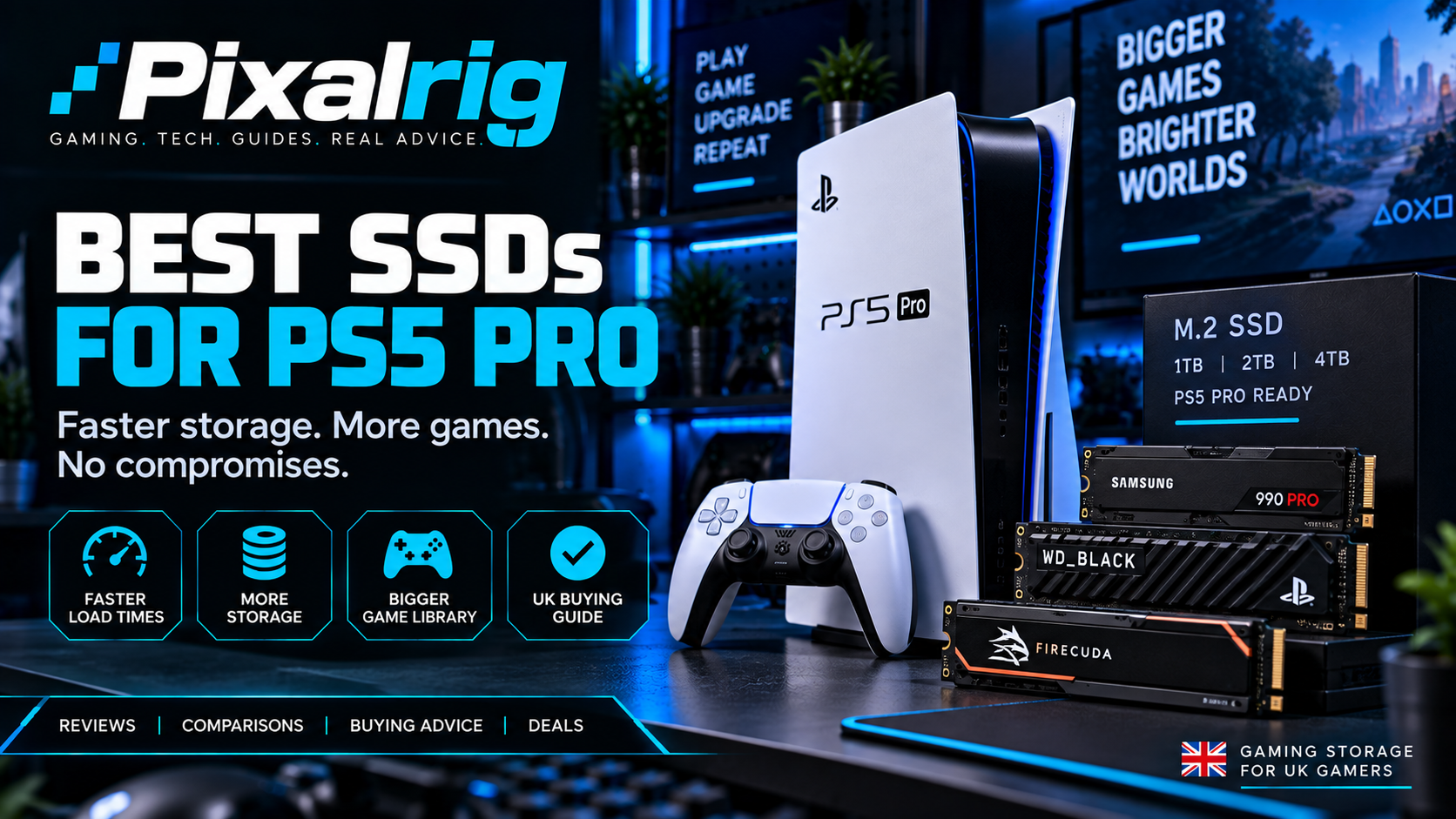
Pixalrig may earn a commission from qualifying purchases made through links on this page, at no extra cost to you. Recommendations checked on 9 September 2026. Prices and availability can change.
PS5 Pro already includes a 2TB internal SSD, so do not upgrade simply because an extra slot exists. When you genuinely need more room, a 2TB drive with a fitted heatsink is the best balance for most players. Our overall pick is the WD_BLACK SN850X with heatsink; the Crucial T500 is the value choice, while the Lexar NM790 4TB suits very large libraries.
Modern games can consume storage quickly, but the best PS5 Pro SSD is not automatically the fastest or most expensive model. It is a compatible PCIe Gen4 drive from a dependable brand, with the capacity you will actually use and a price that makes sense.
This guide covers our strongest 1TB, 2TB and 4TB choices for UK buyers. We use live retailer searches rather than quoting a price that may be out of date tomorrow, and every recommendation includes the low-profile heatsink needed for the console.
Best PS5 Pro SSDs at a glance
| SSD | Best for | Recommended capacity |
|---|---|---|
| WD_BLACK SN850X with heatsink | Best overall | 2TB |
| Crucial T500 with heatsink | Best value | 1TB or 2TB |
| Samsung 990 PRO with heatsink | Premium performance | 2TB |
| Lexar NM790 with heatsink | Best 4TB choice | 4TB |
| Seagate Game Drive M.2 for PS5 | Easiest officially licensed option | 2TB |
| Kingston FURY Renegade with heatsink | Alternative when discounted | 1TB or 2TB |
What an SSD needs to work in PS5 Pro
Sony’s requirements are more important than a marketing claim that a drive is “gaming ready”. Look for an M.2 NVMe PCIe Gen4 x4 drive, with a recommended sequential read speed of 5,500MB/s or faster. Supported capacities run from 250GB to 8TB.
The drive also needs effective heat dissipation. Buying the manufacturer’s heatsink version is easiest; if you buy a bare SSD, fit a compatible low-profile heatsink before installation. The combined drive and heatsink must stay inside Sony’s size limits, so tall desktop heatsinks are unsuitable.
- PCIe Gen4 x4 M.2 NVMe
- 5,500MB/s or faster recommended
- 250GB to 8TB capacity
- Heatsink fitted and within the PS5 expansion-bay dimensions
- M.2 SATA drives and PCIe Gen3 drives are not suitable
Check Sony’s current measurements and installation instructions before purchasing: official PlayStation M.2 SSD guide.
1. WD_BLACK SN850X with heatsink — best overall
The SN850X is the simplest all-round recommendation. It comfortably meets the console’s speed guidance, is widely available in the UK and comes in versions with a low-profile heatsink already attached. Its combination of mature hardware, good sustained performance and broad availability matters more than winning a tiny benchmark difference.
For most PS5 Pro owners, 2TB is the version to buy. It meaningfully expands the console without the price jump of a 4TB model. The 1TB version is sensible only when heavily discounted, while 4TB is for players who keep a very large library installed.
Buy if: you want a dependable, easy recommendation.
Skip if: a comparable Crucial, Samsung or Lexar model is substantially cheaper on the day.
Check WD_BLACK SN850X prices →
2. Crucial T500 with heatsink — best value
The Crucial T500 is the model we would check first during a sale. The heatsink edition is console ready, meets the required performance class and is often positioned aggressively against premium competitors. That makes it particularly attractive in 1TB and 2TB capacities.
Do not assume “value” means noticeably worse game performance. Once a compatible Gen4 SSD clears Sony’s requirements, normal loading differences between quality drives are usually far less dramatic than their specification sheets suggest. Price, warranty, heatsink and seller reputation should guide the decision.
Buy if: it costs less than the SN850X and 990 PRO.
Skip if: the bare version is the only discounted listing—you still need a suitable heatsink.
3. Samsung 990 PRO with heatsink — best premium option
Samsung’s 990 PRO is a fast, respected Gen4 SSD, and the factory-heatsink version fits this job neatly. It is an excellent purchase when its price is close to the SN850X, but there is little reason for a console owner to pay a large premium purely for a higher headline figure.
The PS5 Pro will not turn a small benchmark lead into a visible graphics upgrade or higher frame rate. Buy this for its quality and a competitive sale price, not because “PRO” in the name matches the console.
Buy if: you prefer Samsung or find the heatsink model at a strong price.
Skip if: it is considerably dearer than another drive on this list.
Check Samsung 990 PRO prices →
4. Lexar NM790 with heatsink — best 4TB choice
A 4TB SSD is expensive, but it is the practical answer for a household that keeps many large games installed and wants to stop managing storage. The Lexar NM790 has become a popular high-capacity option because it combines PS5-suitable Gen4 performance with pricing that can undercut premium 4TB rivals.
Make certain the listing includes the heatsink, because the NM790 is also sold as a bare drive. At 4TB, compare the final price carefully with the 4TB SN850X and other known-brand alternatives; one promotion can completely change the value order.
Buy if: you genuinely need a huge installed library.
Skip if: deleting or redownloading an occasional game is not a problem.
Check Lexar NM790 4TB prices →
5. Seagate Game Drive M.2 SSD for PS5 — easiest licensed choice
Seagate’s officially licensed Game Drive is aimed at buyers who want a clearly labelled PS5 product with a fitted heatsink. That removes much of the uncertainty around compatibility and makes it a good gift or first-time upgrade.
The trade-off is price. Official licensing does not make games run better than they do on another fully compatible Gen4 drive, so compare it with the WD_BLACK and Crucial options before ordering.
Buy if: simple, clearly stated compatibility is your priority.
Skip if: it carries a sizeable premium.
Check Seagate Game Drive prices →
6. Kingston FURY Renegade with heatsink — strong sale alternative
The Kingston FURY Renegade is another suitably fast Gen4 drive available with a slim heatsink. It is not our automatic first pick, but it belongs on the shortlist because UK promotions sometimes make the 1TB or 2TB model the cheapest quality option.
As always, confirm that you are selecting the heatsink edition. Product pages commonly group several capacities and heatsink choices together.
Check Kingston FURY Renegade prices →
Should you buy 1TB, 2TB or 4TB?
1TB: the budget expansion
Choose 1TB when you need a useful amount of extra room at the lowest sensible cost. Because PS5 Pro already has 2TB internally, this capacity is most convincing in a very good sale.
2TB: the sweet spot
For most people, 2TB offers the best cost per useful upgrade. Combined with the console’s own storage, it provides room for a broad rotation of large games without pushing into luxury pricing.
4TB: for collectors and slow connections
Four terabytes makes sense when you keep dozens of games installed, share the console, have slow broadband or regularly capture large amounts of footage. Otherwise, the money may improve your setup more elsewhere.
Advertised capacity and usable formatted space are not identical, and game sizes change through updates, so treat any “number of games” estimate cautiously.
How to avoid buying the wrong drive
- Check the selected variation: retailer pages may default to a model without a heatsink.
- Compare the final checkout price: coupons and third-party sellers can alter the headline deal.
- Use reputable sellers: extremely cheap storage is a common counterfeit risk.
- Do not overpay for speed: a compliant quality drive is the goal, not the largest number.
- Keep proof of purchase: it helps if you ever need warranty support.
Installing an M.2 SSD in PS5 Pro
Turn the console fully off, disconnect it and allow it to cool. Remove the correct outer cover, open the expansion-bay cover, position the spacer for the drive length, insert the SSD and secure it without overtightening. Replace the covers, start the console and follow the format prompt.
Formatting erases the SSD. If you are not confident removing the cover or identifying the slot, follow Sony’s illustrated instructions rather than forcing anything.
Can you use an external USB SSD instead?
An external USB drive is useful for storing PS5 games, but PS5 titles must be copied back to compatible internal storage before they can be played. Compatible PS4 games can run directly from USB storage. An internal M.2 drive is therefore the cleaner expansion for an active PS5 library.
Frequently asked questions
Does PS5 Pro need a special SSD?
It needs a drive that meets Sony’s M.2 PCIe Gen4 requirements and fits inside the expansion bay with suitable heat dissipation. A drive does not have to carry an official PlayStation licence.
Is 2TB enough for PS5 Pro?
For most households, yes. PS5 Pro already provides 2TB internally, and adding another 2TB creates a very comfortable total without the cost of a 4TB expansion.
Will a faster SSD improve frame rates?
No. An SSD affects storage and loading behaviour; it does not upgrade the console’s graphics processor. Buy a compatible, dependable drive rather than chasing a benchmark number.
Can I move my existing PS5 M.2 SSD into PS5 Pro?
Generally, a compatible drive can be moved, but follow Sony’s current transfer instructions and keep backups or cloud saves where appropriate. The console may need to recognise or update the drive after installation.
Our final recommendation
Do nothing until the built-in 2TB begins to feel restrictive. Then compare live prices for the heatsink-equipped WD_BLACK SN850X, Crucial T500 and Samsung 990 PRO. Buy the cheapest of those reputable options in your preferred capacity. Choose 2TB for the best balance; move to 4TB only when your library or internet connection justifies it.
Building out the rest of your setup? Read our best PS5 Pro accessories, compare PS5 Pro vs gaming PC, or find a display in our best gaming monitors under £300 guide.

Pixalrig
Pixalrig delivers practical UK gaming coverage, straightforward hardware advice and buying guides focused on genuine value.