Best AM5 Motherboards for Gaming in 2026: 5 UK Picks

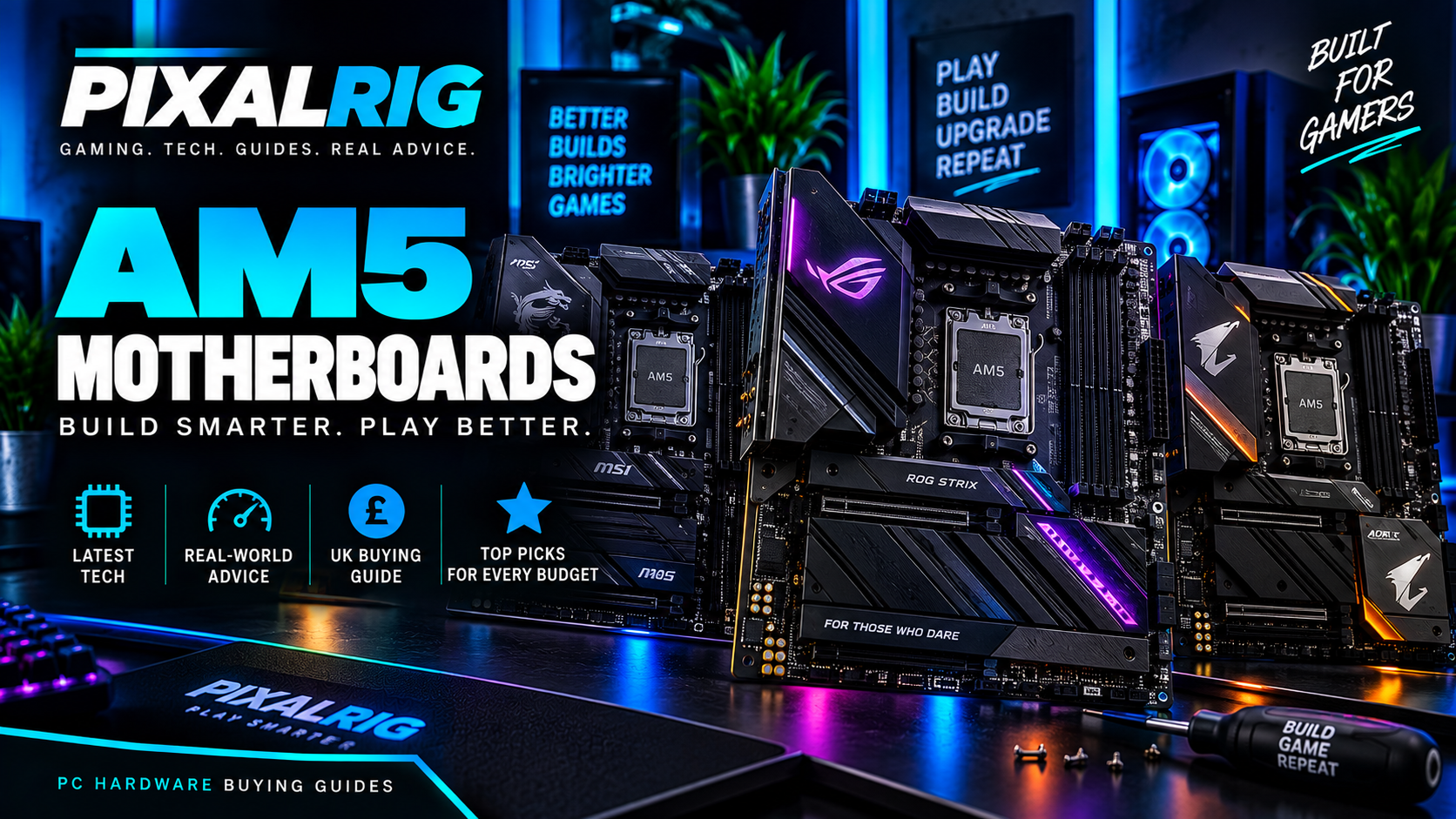
Affiliate disclosure: Pixalrig may earn a commission from qualifying purchases made through links in this guide, at no extra cost to you. Prices and availability can change. Last checked: 13 September 2026.
A good AM5 motherboard should support your Ryzen processor reliably, provide the storage and connectivity you need, and leave a sensible upgrade path. It does not need to cost more than the CPU. For most gaming PCs, a well-equipped B850 board is the sweet spot; X870E makes sense only when its extra connectivity will actually be used.
These recommendations are based on current manufacturer specifications, UK availability and overall feature value. This is an editorial buying guide rather than a claim that Pixalrig has personally lab-tested every board.
Quick verdict
- Best overall: MSI MAG B850 Tomahawk Max WiFi
- Best ASUS alternative: ASUS TUF Gaming B850-Plus WiFi
- Best white motherboard: GIGABYTE B850 AORUS Elite WiFi7 ICE
- Best budget micro-ATX option: ASRock B850M Pro RS WiFi
- Best premium choice: MSI MPG X870E Carbon WiFi
The MSI MAG B850 Tomahawk Max WiFi is our best all-round recommendation. It balances strong power delivery, modern networking, useful storage and DIY-friendly features without moving into luxury-board pricing. Before buying, compare the full UK price and port selection against the ASUS and GIGABYTE alternatives.
AM5 motherboard comparison
| Motherboard | Best for | Chipset | Size | Wireless |
|---|---|---|---|---|
| MSI MAG B850 Tomahawk Max WiFi | Best overall | B850 | ATX | Wi-Fi 7 |
| ASUS TUF Gaming B850-Plus WiFi | ASUS alternative | B850 | ATX | Wi-Fi 7 |
| GIGABYTE B850 AORUS Elite WiFi7 ICE | White builds | B850 | ATX | Wi-Fi 7 |
| ASRock B850M Pro RS WiFi | Budget compact build | B850 | Micro-ATX | Wi-Fi |
| MSI MPG X870E Carbon WiFi | Premium connectivity | X870E | ATX | Wi-Fi 7 |
Features can vary by revision and region. Confirm the exact product page, rear connections and included accessories before ordering.
1. MSI MAG B850 Tomahawk Max WiFi — best overall
The MAG B850 Tomahawk Max WiFi is the sensible centre of the AM5 market. It is designed for Ryzen 7000, 8000 and 9000-series desktop processors, uses DDR5 memory and provides the modern features expected from a strong B850 gaming board. Its substantial VRM cooling makes it suitable for anything from a Ryzen 5 to a high-end Ryzen 9 when case airflow is adequate.
The board includes fast wired networking, current-generation Wi-Fi, multiple M.2 positions and a reinforced primary graphics-card slot. MSI’s flashback and diagnostic features also make building and BIOS recovery less intimidating. The downside is that buyers who need USB4 or unusually large numbers of high-speed devices may need to consider X870E.
- Buy it if: you want a dependable feature-rich ATX board for a gaming build.
- Skip it if: you need a compact case or premium USB4 connectivity.
- Check before buying: compare the exact Max WiFi version and BIOS support list.
Check MSI MAG B850 Tomahawk Max WiFi prices on Amazon
2. ASUS TUF Gaming B850-Plus WiFi — best ASUS alternative
The ASUS TUF Gaming B850-Plus WiFi is a strong alternative for builders who prefer ASUS BIOS and software. Its ATX layout provides several expansion and storage positions, durable power components and useful tool-free features around the M.2 and graphics-card slots. The restrained black design also fits most cases without forcing an aggressive colour theme.
TUF boards normally focus on reliability and practical connectivity rather than screens or decorative extras. That makes this model appealing when its price is close to the MSI Tomahawk. Rear USB layout and audio connections should be compared directly, because those everyday differences matter more than small advertised memory-speed advantages.
- Buy it if: you prefer ASUS controls and want a solid mainstream ATX board.
- Skip it if: an equally equipped competitor is substantially cheaper.
- Check before buying: verify the full B850-Plus WiFi name and regional specification.
Check ASUS TUF Gaming B850-Plus WiFi prices on Amazon
3. GIGABYTE B850 AORUS Elite WiFi7 ICE — best white motherboard
The B850 AORUS Elite WiFi7 ICE combines a pale silver-and-white appearance with genuinely useful specifications. GIGABYTE lists a 14+2+2 power design, four DDR5 slots, a reinforced PCIe 5.0 x16 slot and three M.2 positions, including one PCIe 5.0 slot. Networking includes 2.5Gb Ethernet and Wi-Fi 7.
Tool-free M.2 latches, a BIOS flash button and integrated rear I/O shield help first-time builders. It is the obvious aesthetic pick for a white case, but do not overpay solely for colour. A black version may provide nearly identical functionality for less.
- Buy it if: you want a clean white AM5 build with strong modern connectivity.
- Skip it if: appearance matters less than the lowest price.
- Check before buying: make sure your case and other components match the ICE colour scheme.
Check GIGABYTE B850 AORUS Elite WiFi7 ICE prices on Amazon
4. ASRock B850M Pro RS WiFi — best budget micro-ATX option
The ASRock B850M Pro RS WiFi is intended for smaller, more affordable systems. Its micro-ATX size fits compact cases while retaining four memory slots, M.2 storage and onboard wireless connectivity. It is a good match for a Ryzen 5 or Ryzen 7 gaming PC where money saved on the motherboard can improve the graphics card.
Compact boards naturally provide fewer expansion slots and can place connectors closer together. Check whether a thick graphics card will cover another slot and whether the case has the right front USB connections. Buyers planning several add-in cards should choose ATX instead.
- Buy it if: you want a compact AM5 gaming build at a sensible cost.
- Skip it if: you need many PCIe cards, M.2 drives or rear USB ports.
- Check before buying: confirm case size, Wi-Fi inclusion and exact revision.
Check ASRock B850M Pro RS WiFi prices on Amazon
5. MSI MPG X870E Carbon WiFi — best premium choice
The MPG X870E Carbon WiFi is for builders who need more connectivity than a normal gaming PC. The X870E chipset can provide additional high-speed I/O, multiple fast M.2 options, premium networking and USB4 support. Its stronger expansion layout also suits a workstation-style system that handles gaming and content creation.
None of that automatically increases frame rates. A cheaper B850 board can run the same compatible Ryzen processor and graphics card extremely well. Buy X870E for its ports and expansion, not because the chipset name sounds faster.
- Buy it if: you will genuinely use USB4, extensive storage and premium connectivity.
- Skip it if: your system contains one graphics card and one or two SSDs.
- Check before buying: compare every connection with the cheaper B850 Tomahawk.
Check MSI MPG X870E Carbon WiFi prices on Amazon
B850 or X870E: which chipset should you buy?
Most gamers should buy B850. It provides DDR5, modern storage, graphics-card support, CPU and memory tuning, and strong networking on well-equipped models. X870E is worthwhile for multiple high-speed drives, USB4, greater expansion or specific workstation requirements.
What to check before buying
- CPU support: use the manufacturer’s compatibility list and required BIOS version.
- Case size: ATX and micro-ATX boards need compatible mounting positions.
- Storage: count the M.2 and SATA devices you expect to install.
- Networking: decide whether Wi-Fi 7 or 2.5Gb Ethernet will actually benefit your network.
- Front-panel ports: match the case’s USB-C and USB-A cables to motherboard headers.
- Audio: check the rear outputs if you use analogue speakers or specialist equipment.
Frequently asked questions
Will every Ryzen CPU work in an AM5 motherboard?
No. AM5 covers several Ryzen generations, but actual support depends on the chipset, board and BIOS version. Always check the manufacturer’s CPU support page before buying or upgrading.
Does an expensive motherboard improve gaming FPS?
Usually not by a meaningful amount when both boards run the processor and memory correctly. More expensive boards mainly add connectivity, stronger cooling, easier building features and expansion capacity.
Is B650 still worth buying?
Yes, when a good B650 board is substantially cheaper and supports the chosen processor with the required BIOS. B850 provides newer standardised features, but an older high-quality board may be better value than a weak new one.
Final recommendation
Choose the MSI MAG B850 Tomahawk Max WiFi for the strongest overall balance. The ASUS TUF Gaming B850-Plus WiFi is the main alternative, while the GIGABYTE B850 AORUS Elite WiFi7 ICE is ideal for a white build. Pick ASRock’s micro-ATX option for a compact budget system and move to X870E only when you need its extra connections.
Always confirm the exact model, revision, CPU support, BIOS version, warranty and final checkout price before ordering.
Related Pixalrig guides
Choose the rest of your AM5 platform with our AMD Ryzen versus Intel gaming CPU guide, gaming CPUs for every budget and £1,000 gaming PC build.

Pixalrig
Pixalrig delivers practical UK gaming coverage, straightforward hardware advice and buying guides focused on genuine value.