PC Fix
BIOS Opens but Windows Won’t Boot? Data-Safe Checks First
If your desktop reaches BIOS/UEFI but Windows will not start, identify the precise stage and protect your files before changing boot settings or trying…
Step-by-step gaming PC troubleshooting: diagnose the fault first, then decide what to fix or replace.
If your desktop reaches BIOS/UEFI but Windows will not start, identify the precise stage and protect your files before changing boot settings or trying…
If your desktop powers on but shows no picture after a RAM or memory-profile change, establish whether it is training or stuck, then test…
When pressing the case button produces no startup response, check the external power path first. This guide explains safe next steps without guessing which…
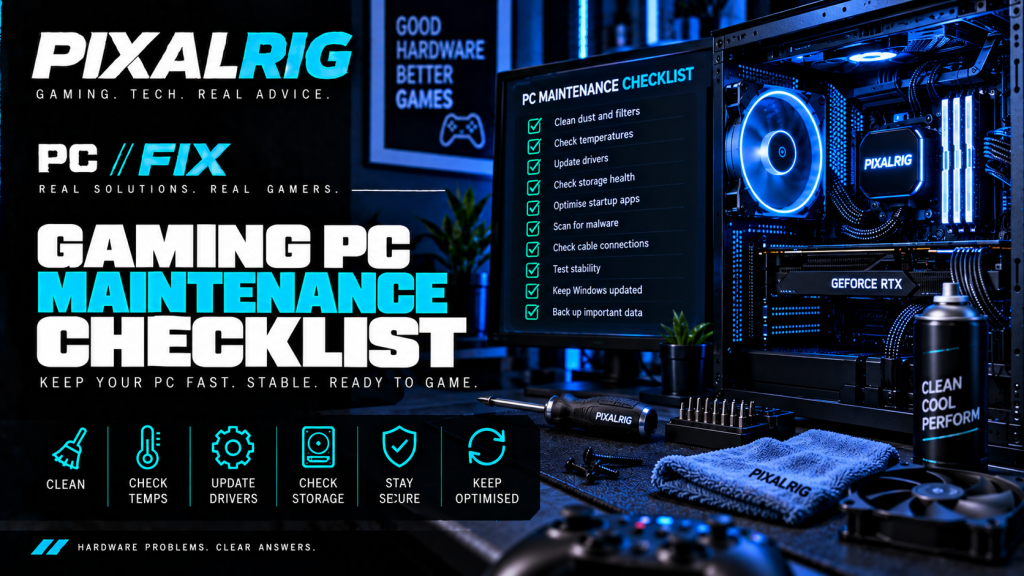
PC//FIX maintenance plan Keep a useful baseline Routine maintenance helps you notice changes before they become faults. Keep backups current, review updates and storage,…
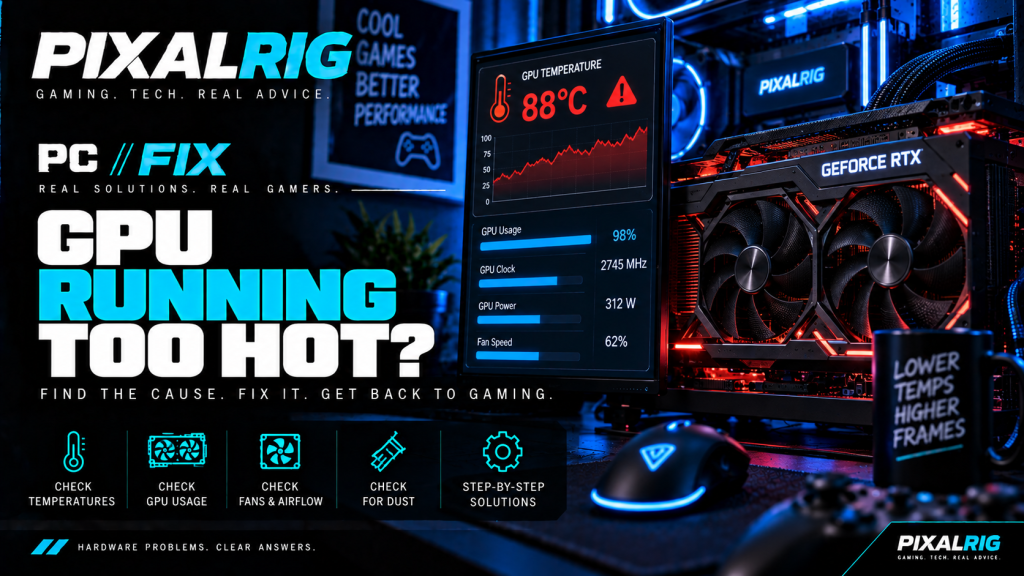
PC//FIX quick verdict Quick verdict If you are dealing with GPU running too hot, do not jump straight to buying replacement hardware. Start by…
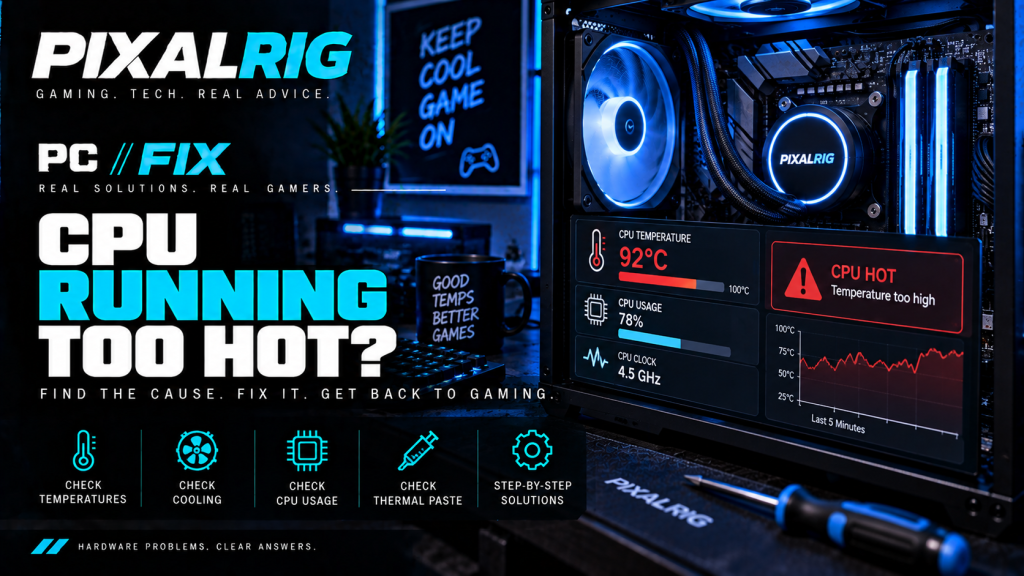
PC//FIX quick verdict Quick verdict If you are dealing with CPU running too hot, do not jump straight to buying replacement hardware. Start by…
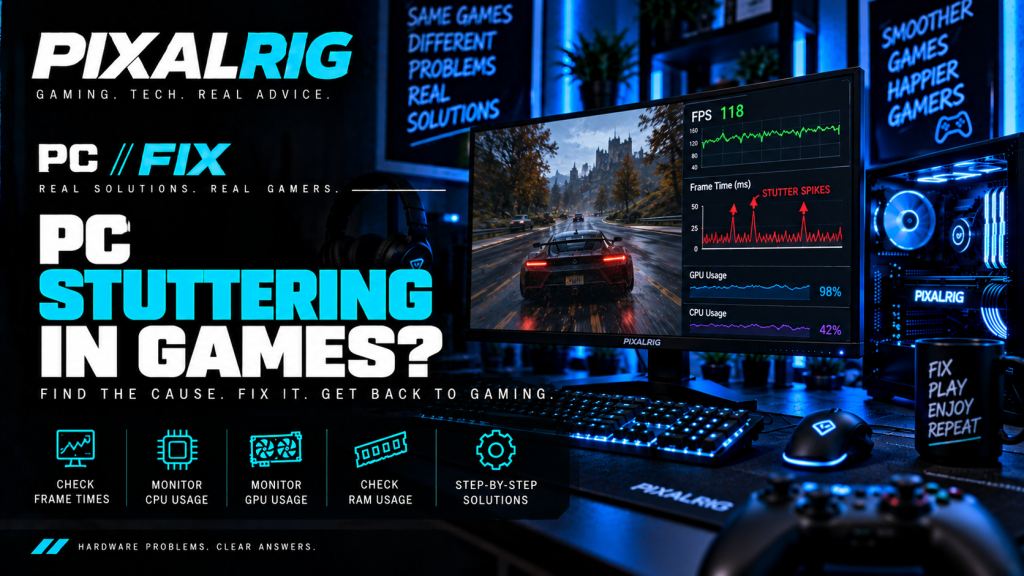
Quick verdict High average FPS can hide uneven frame delivery. Before changing settings, repeat a short scene twice and check whether the hitch happens…
PC//FIX quick verdict Quick verdict If you are dealing with FPS suddenly dropped, do not jump straight to buying replacement hardware. Start by establishing…
PC//FIX quick verdict Quick verdict If you are dealing with PC freezes while gaming, do not jump straight to buying replacement hardware. Start by…
PC//FIX quick verdict Quick verdict If you are dealing with games keep crashing to desktop, do not jump straight to buying replacement hardware. Start…